CINETON Studio
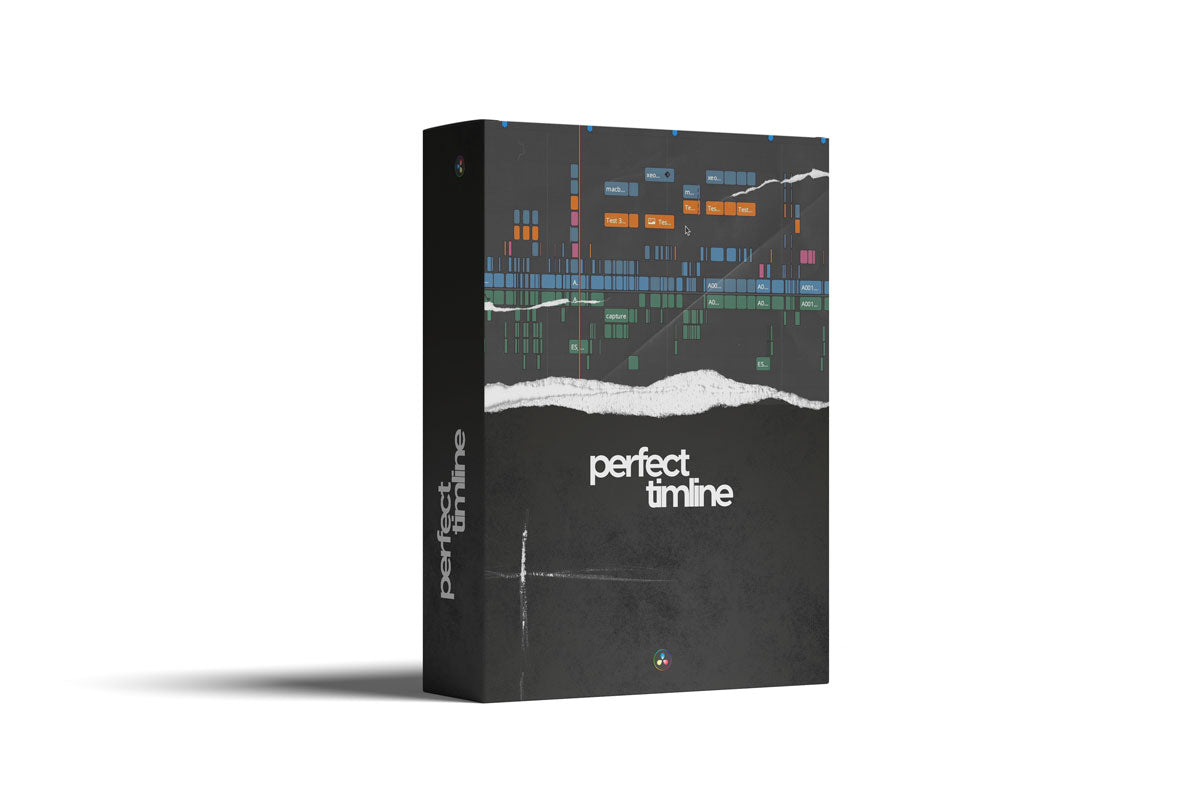
Perfect Timeline
Perfect Timeline
Couldn't load pickup availability
The perfect timeline in DaVinci Resolve – more structure, faster workflow! 🎬
Hey Filmmaker!
Are you familiar with the problem of chaotic timelines, confusing tracks, and unnecessary time wasted during editing? Then it's time for a professional solution!
With the CINETON timeline structure , you get a system that revolutionizes your editing and color grading in DaVinci Resolve – whether you're working on advertising videos, short films, or social media content.
This is how the perfect timeline works:
✅ V1-V4 – Footage: Clear structure for your raw footage & scene setup.
✅ V5 – VFX & Transitions: All visual effects & keying work in one place.
✅ V6 – Stills & Logos: Perfect for graphics that do not need to be animated.
✅ A1-A3 – Mono Dialogues: Arranged for clean sound.
✅ A4 – Voice Over: Dedicated track for clear voice recordings.
✅ A9-A12 – Stereo Sound Effects: Ambient sounds & effects perfectly organized.
✅ A13-A14 – Stereo Music: No more chaos with your film music!
Why you need this guide:
🔹 Save time – No more searching, everything has its place.
🔹 Better overview – Work in a structured & professional manner.
🔹 Perfect for editors & colorists – Ideal for commercials, social content & films.
Share